The Ted K Archive
How to use this website
In summary
You can:
-
Sort texts on the archive by author here.
-
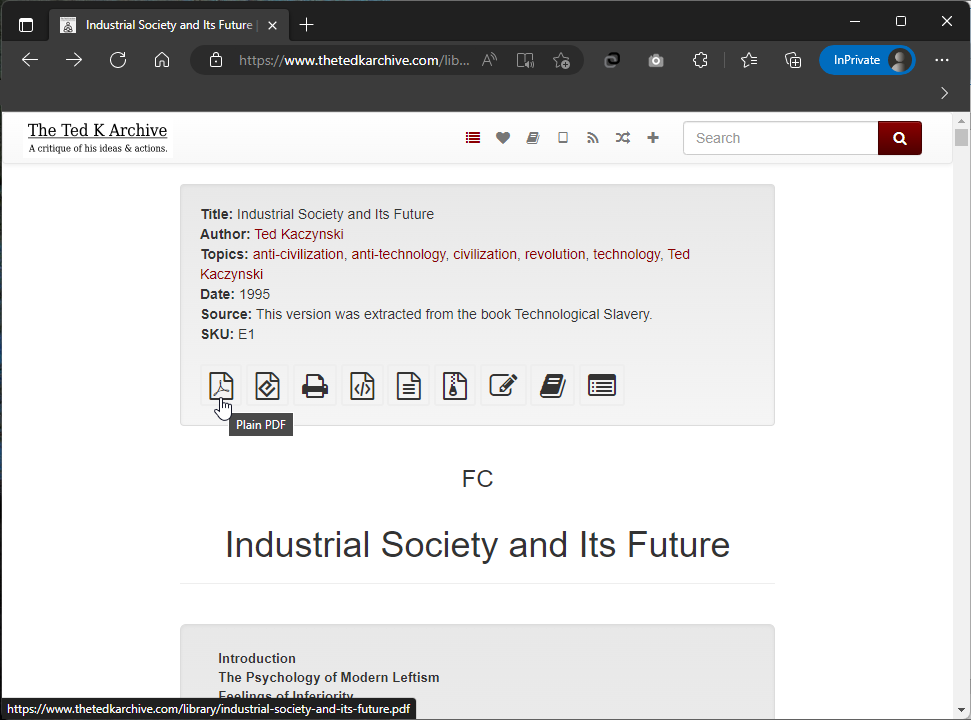
Download any document on the archive by clicking on one of the many download options, once on the document.
-
Edit any text on the archive by clicking the ‘writers pen’ symbol, once on the document.
-
Add texts to the library by clicking the ‘+’ button in the top right corner.
Searching the website table of contents
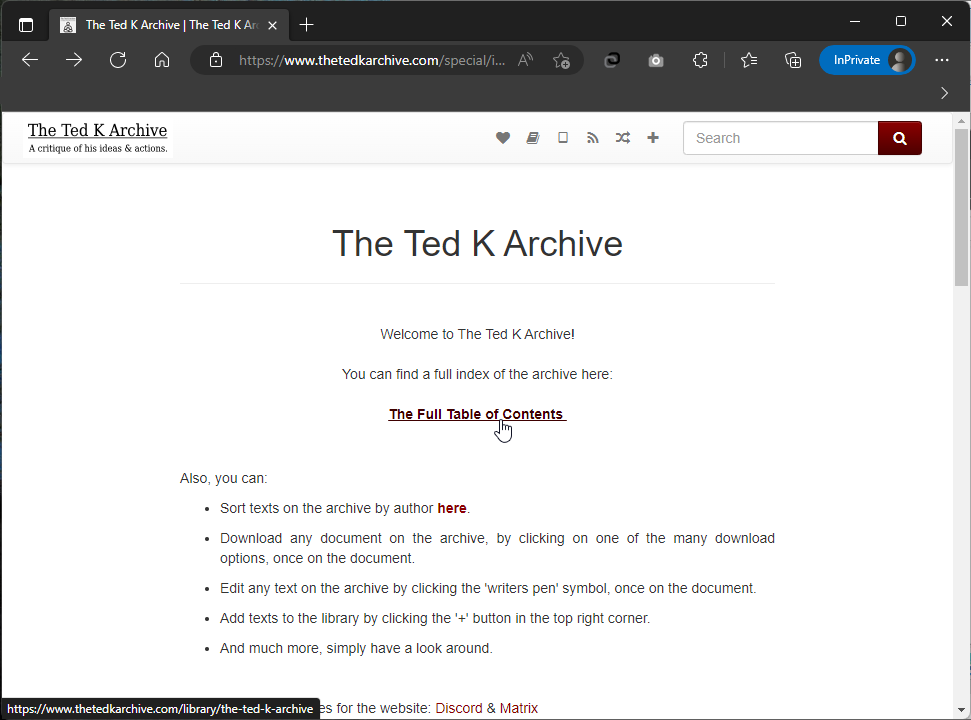
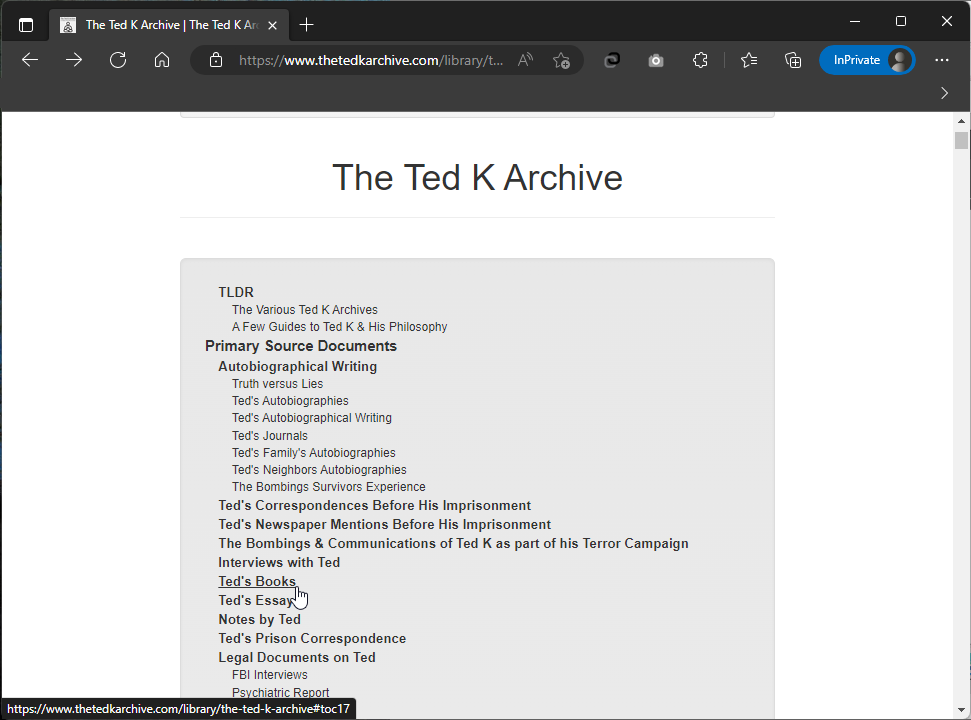
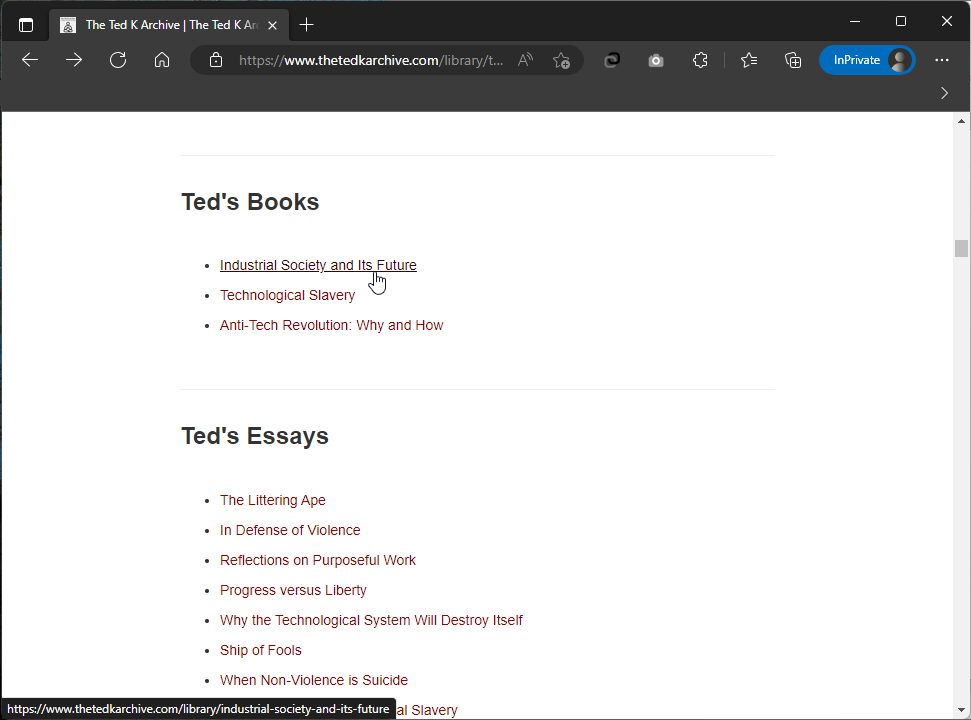
Here for example is how to find a PDF of Ted Kaczynski's manifesto:
Saving files

Using the website search bar
You can use the following prefixes to search a word in a specific field, e.g. "author:Kaczynski":
-
author:
-
title:
-
topic:
-
source:
-
notes:
-
year:
The prefix only works with one word unquoted e.g. "title:Tainted". If you used "title:The Technological Society", it'd show you every text with 'the' in the title that discusses 'society' also. So, you need to add quotes for longer titles you're looking up e.g.:
title:"The Technological Society"
Also, regardless of prefix, if you want to find a text where a specific sentence or multiple specific words are used, it's worth putting the sentence in quote marks.
If you still find the search bar frustrating, you can always use a search engine like google and just ask it to only search within this website by adding "site:thetedkarchive.com" to whatever you search.